When visitors land on your portfolio, they often have questions: What services do you offer? How can I book a call? Instead of making them scroll through pages or hunt for a contact form, I added an AI chat assistant that answers these questions 24/7 and lets them book a call without leaving the page.
Why Add an AI Chat?
An AI chat on a portfolio isn't just a novelty. It increases engagement, showcases your technical skills, and gives visitors a low-friction way to learn about you. I wanted something that:
- Answers questions about my services and experience
- Directs people to book a free discovery call when they're ready
- Feels like a natural extension of the site, not a separate tool
Architecture
The setup is straightforward: a static site hosted on Vercel, with a serverless API route that handles chat requests and calls OpenAI.
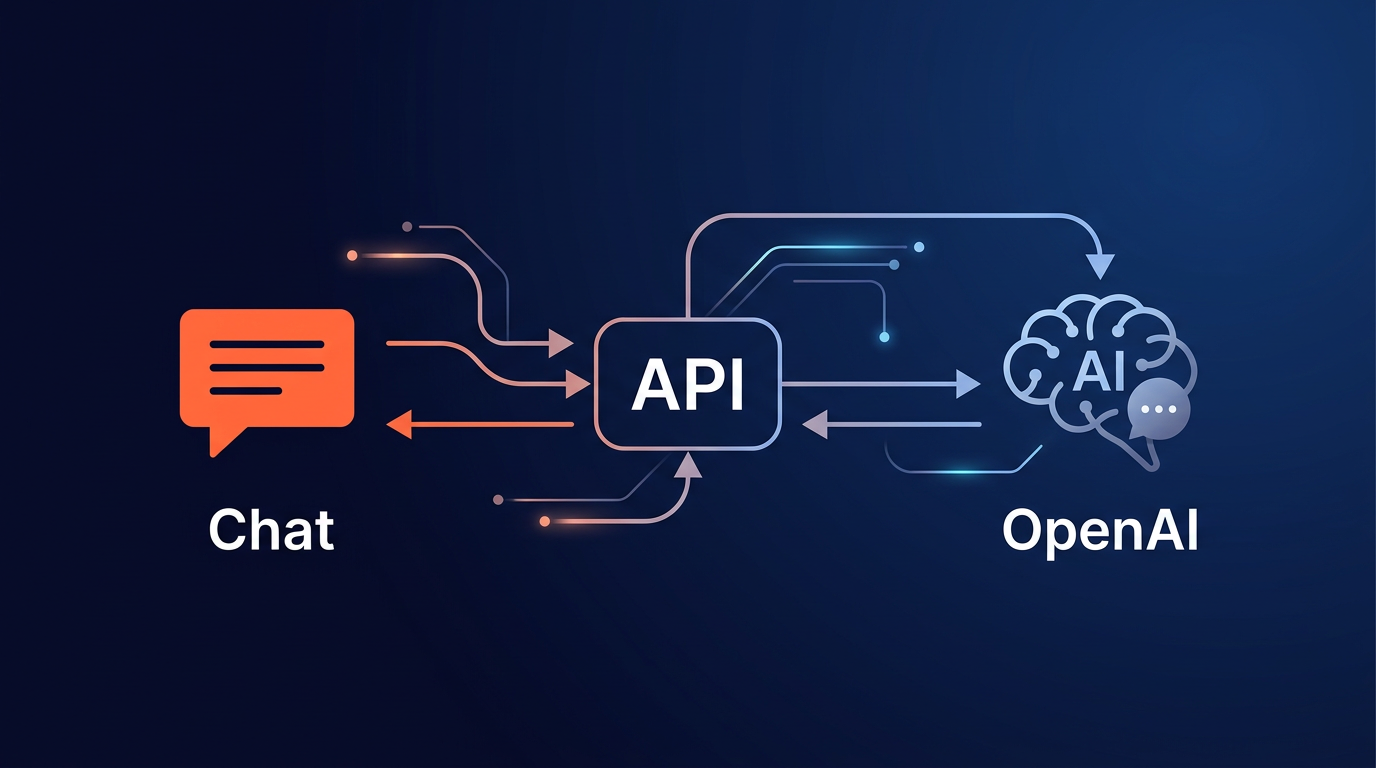
Data flow:
User types → chat-widget.js → POST /api/chat → api/chat.js
                                                    ↓
                                            profile-context.js (system prompt)
                                                    ↓
                                            OpenAI API (gpt-4o-mini)
                                                    ↓
User sees reply ← formatMessage() ← JSON { reply } ← api/chat.js
I chose Vercel because it serves both the static site and the serverless function from the same domain. No CORS issues, and the API key stays in environment variables, never exposed to the frontend.
Implementation Highlights
Profile Context
A single source of truth in api/profile-context.js defines everything the AI knows: my name, title, services, experience timeline, tech stack, and contact details. This gets injected as the system prompt in every OpenAI request. When I update my services or add a new one, I change one file.
Chat UI
The widget is vanilla JavaScript, no framework. A floating orange button in the bottom-right opens a slide-up panel with message bubbles, an input field, and a Send button. It's mobile-responsive: on small screens, the panel uses position: fixed with full viewport width so it doesn't get cut off.
Message Formatting
Assistant replies go through formatMessage() before rendering. It converts bold markdown, turns emails into mailto: links, makes URLs clickable, and replaces Cal.com links with a styled "Book a Free Call" button. The Services section link scrolls to #services on the page.
Security
The OpenAI API key lives only in Vercel's environment variables. The frontend never sees it. All requests go through the serverless function.
The Hard Part: Prompt Engineering
The profile-context.js file went through many iterations. Getting the tone right for a small chat bubble (concise, warm, not robotic) was harder than the code. The architecture is straightforward. The system prompt is where the real work lives.
Specific challenges: stopping the AI from dumping bullet lists (visitors want a quick answer, not a wall of text), handling off-topic questions with humour instead of a dead-end "I can only answer about Govind," and formatting links and CTAs so they render properly in the chat UI instead of showing raw markdown. The chat widget doesn't support full markdown, so the system prompt has explicit rules: use raw URLs (the UI auto-renders them), never output [text](url) syntax, use /#services for the Services section link so formatMessage() can turn it into a clickable anchor.
The system prompt has rules for different question types: services, pricing, booking, technical feasibility, experience, off-topic. Each has a different response pattern. The CTA rule is strict: every response ends with exactly one Cal.com URL on its own line, which the UI converts to a styled button. No exceptions, no repetition.
Key lesson: the system prompt is the product. Spend 80% of your effort there.
Design Decisions
- GPT-4o-mini: Cost-effective for Q&A. A few cents per day for typical traffic.
- Model-agnostic: The architecture doesn't care which LLM you use. Swapping to Claude, Gemini, or any other model would only require changing the API call in the serverless function. The
profile-contextsystem prompt works with any of them. - Non-streaming: Started simple. A "Thinking..." placeholder while waiting for the full response.
- Greeting + CTA: Every response ends with a call-to-action to book a free discovery call. For booking-specific questions, the reply is just the CTA, no redundant phrasing.
Outcome
Visitors can now ask about MVP development or how to book a call and get an instant, helpful response. The chat feels like a natural part of the site, and the "Book a Free Call" button makes the next step obvious.
The most common questions are about services and how to book a call, which tells me visitors want quick answers, not long scrolls. I don't have hard analytics yet on chat usage vs. browsing or whether chat users convert to calls more often, but that's exactly what I'm building next.
What's Next
This is a living project, not a one-and-done. Here's what I'm iterating on next:
- Streaming responses: Replace the "Thinking..." placeholder with token-by-token streaming so replies feel more responsive.
- Conversation memory: Right now each turn is stateless. Adding session memory so the chat remembers context within a visit.
- Analytics: Track what visitors ask most and use that to improve the site content and the profile context itself.
Want to Add an AI Assistant to Your Site?
I can help you build a chat widget and integrate it with your content.
Let's Talk